August 10, 2026
All about MCP
Props to Hugging Face for putting together the amazing MCP course
Knowledge part:
Model Context Protocol (MCP) provides a consistent way/protocol to link LLM models to external capabilities, allowing the models to become 'smarter'. This is through giving the LLM model access to real-time knowledge and tools created by external parties, and combining it with the model's trained data.
MCP defines how this link is established and used:
- This link is established between a client (within a host application), and a server using MCP.
- Behind this 'MCP' server are tools, prompts and resources.
- By doing this, the host needs to create only 1 client for 1 MCP server. This client will also handle protocol-specific details for MCP communication.
- Otherwise, the host would need to develop individual connections/APIs to each tool and data source. This is also known as M x N integration problem.
Building part:
I built my MCP server using FastMCP, with three tools to allow user to add, complete and list tasks.
I ran this MCP server in two ways. I ran it in standard now which leverage is STDIO. I also ran it with streammable HTTP transport.
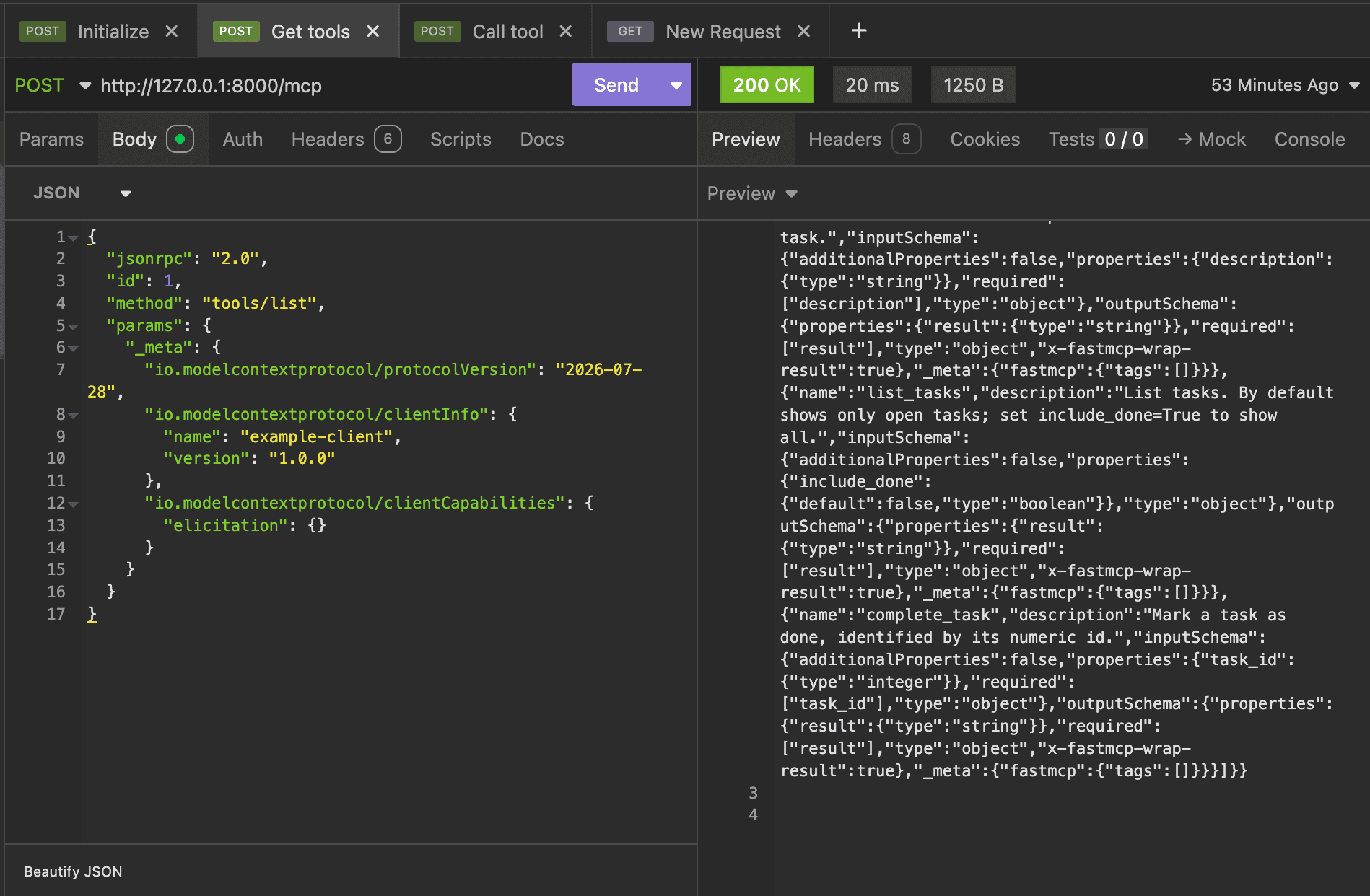
The second method allowed me to make cURL commands to the MCP server, using Insomnia. In these commands, I noticed that most of my calls were POST requests. The body contained properties like jsonrpc, ID, method and params.
The methods were new to me. I used initialize which allowed me to get a MCP session ID. I also called tool/list and tools/call.
No client was created for this MCP server.
Using Gradio, I built my second MCP server and UI for sentiment analysis. This library allows easily creating MCP server (with tools, its input schema and output formated) and UI together.
Running this app launches the server and UI. Gradio's functions are automatically converted to MCP tools. Gradio server listens for MCP message, consisting of JSON-RPC 2.0 format.
I learned that clients may support HTTP-SSE or STDIO.
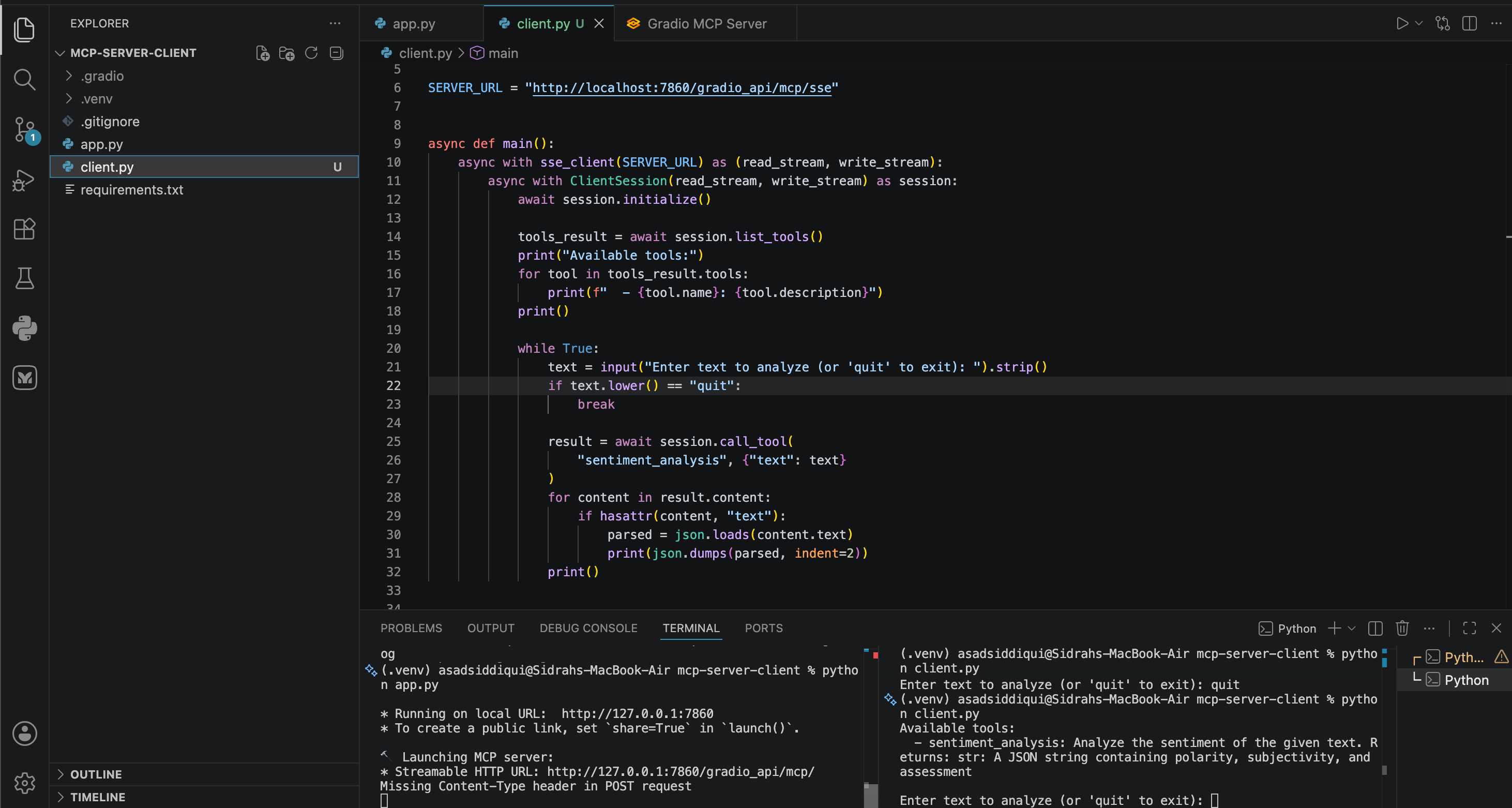
I also created a client that connects to this MCP server